set up your tracker.
Step 4 of 5
Setup steps
01Create an accountNext step →
02Enroll a deviceView →
03Add a bikeView →
04Assign the device to the bikeView →
05Attach it to the bikeView →
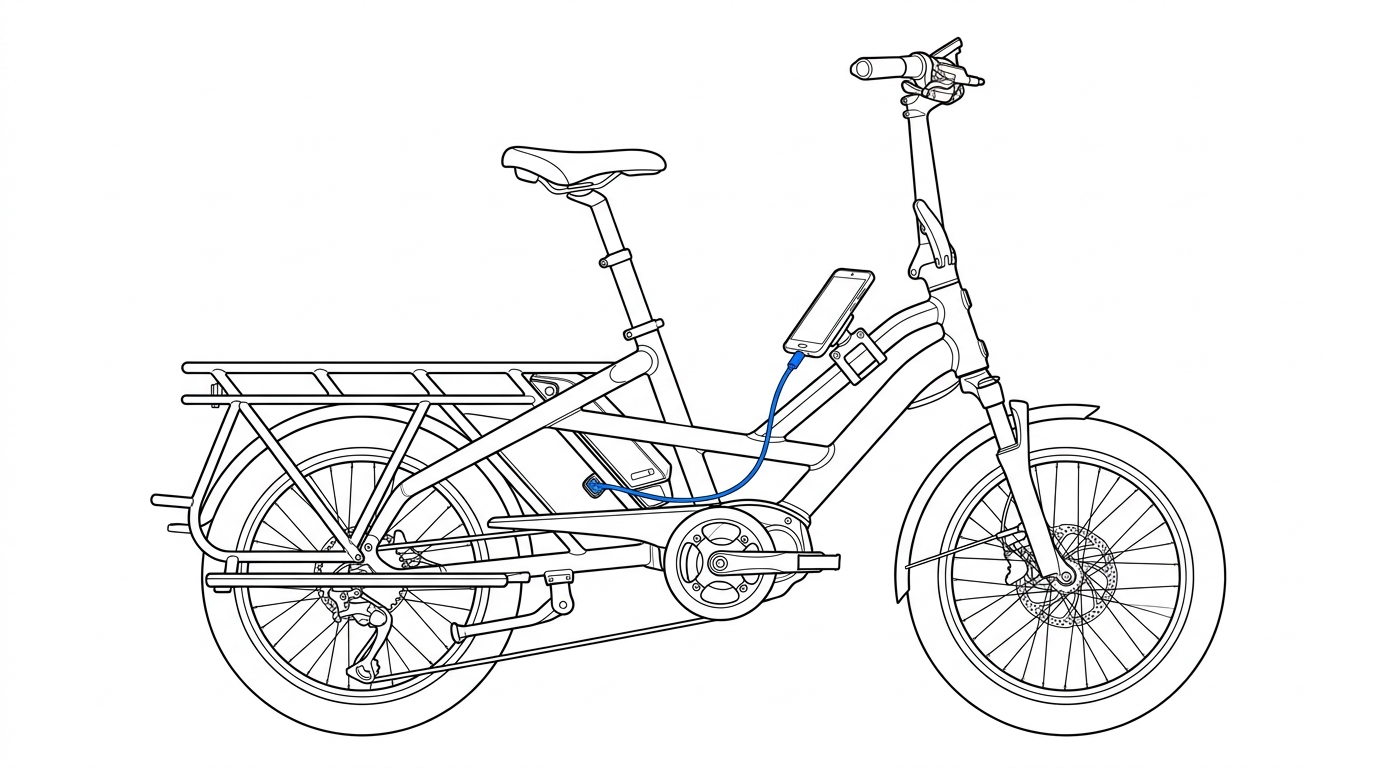
Mount the phone above the battery with a USB-C cable (shown in blue) connected to the battery port.
4. Assign the device to the bike
Link your enrolled Android phone to your bike so it receives your bike's public encryption key.